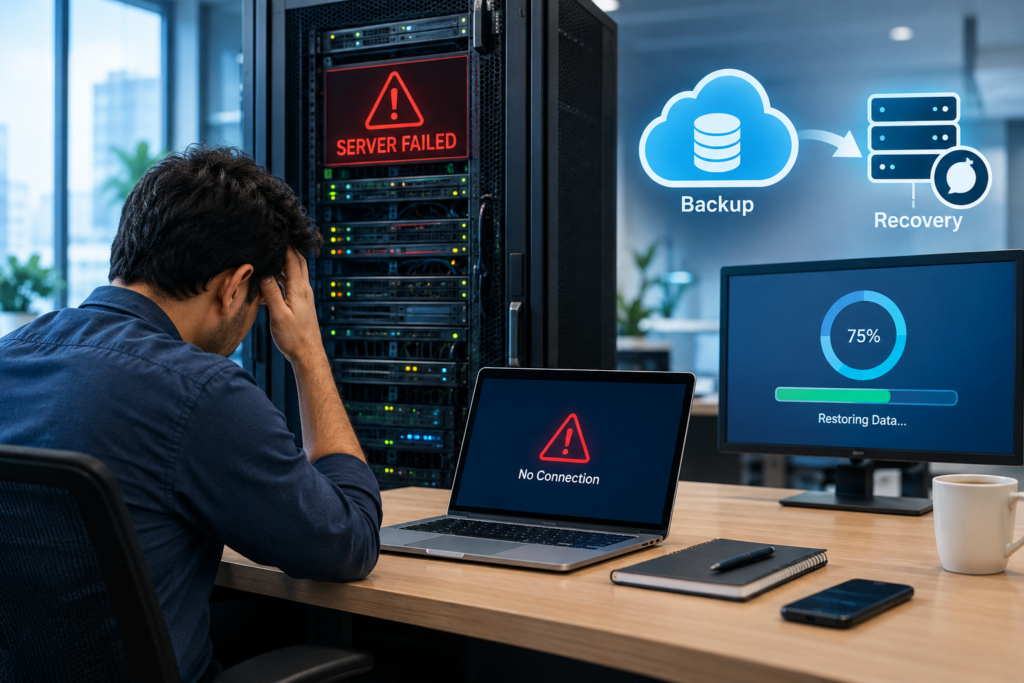
A server is often at the center of a business’s daily IT operations. It may store important files, run business applications, manage databases, provide shared folders, handle user access, or support other systems used by employees. When that server suddenly fails, the impact can go far beyond a technical problem.
A server failure can make business data and applications temporarily unavailable, interrupt employee work, and potentially lead to data loss if there is no reliable backup or recovery plan.
The good news is that server failure does not always mean permanent data loss. With regular server backups, monitoring, maintenance, and a tested data recovery strategy, businesses can reduce downtime and recover critical information more effectively.
What Happens When a Server Fails?
When a server fails, the first noticeable issue is usually that employees cannot access the systems or data they normally use.
Depending on the server’s role, users may experience:
- Shared files and folders becoming unavailable
- Business applications stopping or becoming inaccessible
- Database connectivity problems
- Login or authentication issues
- Email or internal communication interruptions
- Slow or completely unavailable network services
- Loss of access to critical business information
The exact impact depends on what the server does, what caused the failure, and whether another system or backup is available.
For example, a failed file server may prevent employees from accessing documents, while a failed database server could affect an application that depends on customer, financial, inventory, or operational data.
Common Causes of Server Failure
Server failures can happen for many reasons. Some are related to hardware, while others involve software, configuration, security, or environmental problems.
1. Hardware Failure
Server components such as hard drives, SSDs, power supplies, RAM, cooling systems, or other hardware can fail.
Storage failure is particularly important because it can make files, applications, or databases inaccessible. RAID can provide redundancy in some configurations, but RAID should not be treated as a replacement for a proper backup.
2. Software and Operating System Problems
Operating system corruption, failed updates, application conflicts, incorrect configurations, or other software issues can cause a server to become unstable or stop functioning correctly.
3. Power Problems
Power interruptions, voltage fluctuations, or inadequate power protection can affect server hardware and cause unexpected shutdowns or damage.
Using appropriate UPS and power protection can help reduce certain power-related risks.
4. Cybersecurity Incidents
Malware, ransomware, unauthorized access, and other security incidents can affect servers and make business data unavailable.
A strong security strategy should therefore work together with server backup and disaster recovery, rather than treating backup as the only protection.
5. Human Error
Accidental deletion, incorrect configuration, improper software installation, or other administrative mistakes can also result in server downtime or data loss.
Regular backups provide an additional layer of protection when mistakes occur.
Can a Server Failure Cause Data Loss?
Yes, a server failure can cause data loss, but the outcome depends on the type of failure and the available recovery options.
For example, if a storage device fails and there is no usable backup, some or all of the affected data may become difficult or impossible to recover.
However, if a business maintains reliable backups and regularly checks that those backups can actually be restored, it has a much stronger recovery position.
This is why businesses should think beyond simply asking, “Do we have a backup?”
A better question is:
“Can we recover the data we need, when we need it?”
A backup that exists but cannot be restored properly may not provide the protection a business expects.
How Server Backup Helps After a Failure
A server backup creates a separate copy of important business data and, depending on the backup approach, may also protect applications, configurations, operating systems, or complete server environments.
If the original server fails, backup data can potentially be used to restore important information or systems.
Common backup approaches include:
- Local server backup
- External storage backup
- Network backup
- Cloud server backup
- Offsite backup
- Image-based backup
- Application and database backup
The right approach depends on the organization’s infrastructure, data volume, recovery requirements, budget, and business continuity needs.
For businesses handling important operational data, maintaining more than one recovery option can provide additional resilience.
What Is Server Data Recovery?
Server data recovery is the process of restoring data or systems after a server becomes unavailable, damaged, corrupted, or compromised.
Recovery may involve:
- Identifying the cause of the failure
- Protecting any remaining usable data
- Assessing the available backup
- Selecting an appropriate recovery point
- Restoring files, applications, databases, or the complete server environment
- Testing the restored system
- Returning the system to normal business operation
The exact process varies depending on the server architecture and backup technology.
For example, recovering a few accidentally deleted files is very different from rebuilding an entire server after a major hardware failure.
How Long Does It Take to Recover a Failed Server?
There is no single recovery time for every server.
The recovery period can depend on:
- The cause of the failure
- Amount of data involved
- Backup size
- Backup location
- Internet or network speed
- Available replacement hardware
- Recovery software
- Complexity of applications
- Whether the backup has been tested
- Recovery procedures already documented
This is why businesses should define their recovery requirements before an incident occurs.
Two useful concepts are Recovery Time Objective (RTO) and Recovery Point Objective (RPO).
RTO refers to how quickly a system should be restored after disruption.
RPO refers to how much recent data a business can afford to lose, measured by the time between the latest recoverable backup and the failure.
Understanding these requirements helps businesses design a backup and recovery strategy around actual operational needs.
What Should You Do When a Server Fails?
If a business server stops working, avoid making unnecessary changes that could potentially make the situation worse.
A practical response can include:
Step 1: Identify the Problem
Determine whether the issue is related to power, hardware, network connectivity, operating system, application failure, storage, or another component.
Step 2: Check Whether the Data Is Accessible
Determine whether the server is completely unavailable or only certain applications, folders, or services are affected.
Step 3: Check Your Backup
Identify the most recent successful backup and determine whether it is suitable for the required recovery.
Step 4: Protect Remaining Data
If the server is partially operational, avoid unnecessary actions that could overwrite or damage recoverable information.
Step 5: Begin the Recovery Process
Depending on the situation, recovery may involve repairing the existing server, replacing failed hardware, restoring files, or rebuilding the server from a backup.
Step 6: Verify the Recovery
After restoration, check applications, databases, files, permissions, user access, and other important services before returning the system fully to production.
How Businesses Can Reduce the Risk of Server Failure
Server failure cannot always be prevented, but businesses can prepare for it.
A practical server protection strategy can include:
- Regular server maintenance
- Hardware health monitoring
- Operating system and security updates
- Reliable power protection
- RAID where appropriate
- Regular server backups
- Offsite or cloud backup
- Backup monitoring
- Periodic restore testing
- Access controls
- Malware and ransomware protection
- Documented disaster recovery procedures
Most importantly, backup should be tested rather than simply assumed to work.
A recovery plan should also be documented so that employees or IT teams know what steps to follow during an emergency.
Why Businesses Need a Server Backup and Recovery Strategy
A server is not simply another computer. It can support multiple business processes at the same time.
When it becomes unavailable, the resulting downtime can affect employees, customers, internal operations, and business continuity.
A reliable server backup and recovery strategy helps businesses prepare for situations such as hardware failure, accidental deletion, software problems, ransomware incidents, or other disruptions.
The goal is not necessarily to prevent every failure. The goal is to make the business better prepared to recover when something goes wrong.
How ATAOP Can Help With Server Infrastructure and Backup
ATAOP (OPC) PRIVATE LIMITED helps businesses manage and support their IT infrastructure, including server infrastructure, backup, recovery planning, monitoring, and related IT requirements.
Instead of looking at server hardware and backup as separate activities, ATAOP can help businesses consider the wider environment—including server configuration, storage, backup requirements, security, recovery needs, and ongoing support.
For businesses in Noida, Greater Noida, and Delhi NCR, professional server support can help maintain a more structured approach to server management and data protection.
The right solution depends on the business’s existing infrastructure, the importance of its data, recovery requirements, and future growth.
Frequently Asked Questions
What happens if a business server fails?
A failed server can make files, applications, databases, authentication systems, or other business services unavailable. The impact depends on the server’s role and whether backup or redundant systems are available.
Can data be recovered from a failed server?
Sometimes. Recovery depends on the type of failure, condition of the storage devices, and availability of usable backups. A tested backup can make recovery considerably more straightforward.
Is RAID the same as server backup?
No. RAID can provide redundancy against certain storage failures, but it does not replace a separate backup. Backups are designed to provide another copy of data that can be restored after different types of incidents.
How often should a business back up its server?
There is no universal schedule. Backup frequency should depend on how much data the business can afford to lose and how frequently important information changes. Businesses with frequently changing critical data may require more frequent backups.
What is the difference between backup and disaster recovery?
A backup is a copy of data or systems that can be used for restoration. Disaster recovery is the broader process and plan for restoring IT operations after a disruption.