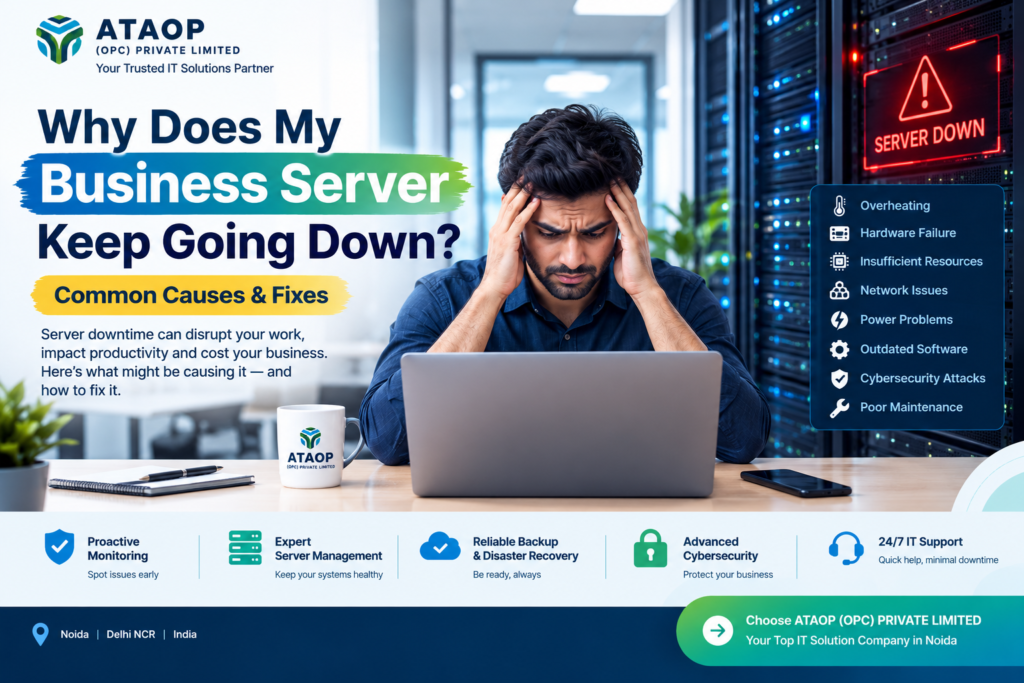
A business server going down is more than a technical inconvenience. It can interrupt applications, stop employees from accessing important files, affect business communication, delay customer service and, in some cases, result in data loss. For businesses that depend on servers for daily operations, even a short period of downtime can create significant operational problems.
If you are repeatedly asking, “Why does my business server keep going down?”, the problem may not be the server itself. Frequent downtime can be caused by overheating, hardware failure, network issues, software conflicts, insufficient resources, power problems, cybersecurity incidents or poor server maintenance.
The good news is that most recurring server problems can be identified and addressed with proper monitoring, preventive maintenance and professional server management services.
What Does Server Downtime Mean?
Server downtime occurs when a server becomes unavailable or fails to provide the services that users or applications require. Depending on the business environment, this could mean employees cannot access files, websites become unavailable, business applications stop working or databases cannot be reached.
Common signs of server downtime include:
- Employees unable to access shared files
- Business applications becoming unavailable
- Slow or unresponsive systems
- Website or application outages
- Frequent server restarts
- Database connection failures
- Network users losing access to server resources
- Unexpected error messages
- High CPU, RAM or disk utilization
Occasional downtime can happen because of unavoidable technical problems. However, repeated server downtime should not be treated as normal. It usually indicates an underlying issue that requires investigation.
Why Does My Business Server Keep Going Down?
There are several possible reasons for recurring server outages. Identifying the exact cause is the first step toward a reliable solution.
1. Server Overheating
One of the most common causes of hardware-related server problems is excessive heat.
Servers generate considerable heat while processing applications, databases and network workloads. If the server room has inadequate ventilation, blocked airflow, failed cooling equipment or excessive dust, internal components may become too hot.
Overheating can result in:
- Automatic shutdowns
- Hardware instability
- Unexpected restarts
- Reduced server performance
- Premature component failure
Keeping the server room clean, maintaining proper airflow and monitoring temperature can reduce the risk of heat-related downtime.
2. Hardware Failure
Aging or damaged hardware can cause intermittent server failures.
Hard drives, SSDs, RAM, power supplies, cooling fans and other components can eventually fail. A server may continue operating even when a component is beginning to deteriorate, which can make the problem difficult to identify.
Warning signs can include unusual noises, slow performance, disk errors, random crashes and repeated system restarts.
Regular server health checks can help identify failing components before they cause a complete outage.
3. Insufficient RAM, CPU or Storage
Sometimes the server is not physically failing—it simply does not have enough resources to handle the workload.
As a company grows, more employees may connect to the server, more applications may be installed and databases may become larger. A server that worked well several years ago may struggle under today’s workload.
High resource utilization can cause:
- Slow applications
- System freezes
- Application crashes
- Database timeouts
- Poor employee productivity
Monitoring CPU usage, RAM consumption, disk capacity and application performance helps determine whether the server needs optimization or an infrastructure upgrade.
4. Network Connectivity Problems
A server may be running normally while users believe it is down because of a network problem.
Faulty switches, damaged cables, incorrect network configurations, DNS problems, firewall rules or connectivity failures can prevent employees from reaching the server.
For this reason, troubleshooting should examine both the server infrastructure and the business network.
A professional IT support team can check connectivity between users, switches, routers, firewalls and servers to identify where communication is breaking down.
5. Power Supply Issues
Unexpected power interruptions can cause servers to shut down abruptly.
Voltage fluctuations, power failures and inadequate backup systems can damage hardware or cause operating-system and database issues.
Businesses that rely heavily on servers should consider appropriate UPS systems, power protection and backup power solutions.
A UPS can provide temporary power during an outage and give administrators enough time to shut down systems safely when necessary.
6. Outdated Operating Systems and Software
Running outdated server software can create compatibility, performance and security problems.
Operating systems, server applications, databases and drivers often require updates to maintain stability and security. At the same time, poorly planned updates can also create compatibility issues.
The solution is not simply “update everything immediately.” Businesses should follow a structured patch management and server maintenance process, including testing where appropriate.
7. Cybersecurity Attacks
Cybersecurity incidents can also cause unusual server behavior.
Malware, ransomware, unauthorized access attempts and compromised accounts can affect server availability and performance. In serious cases, attackers may encrypt business data or disrupt critical systems.
A strong security strategy should include:
- Firewall protection
- Endpoint security
- Access controls
- Regular software updates
- Secure passwords
- Multi-factor authentication where appropriate
- Backup and disaster recovery
- Security monitoring
- Employee cybersecurity awareness
Cybersecurity should be treated as part of overall server management rather than as a separate technical task.
8. Poor Server Maintenance
Preventive maintenance is one of the most overlooked aspects of IT infrastructure management.
Many businesses only contact an IT professional after something stops working. Reactive support can resolve an immediate problem, but it does not necessarily prevent the same issue from happening again.
A proactive IT AMC or managed IT support service can include regular system checks, hardware inspection, software updates, troubleshooting, performance monitoring and preventive maintenance.
This approach helps businesses identify potential problems before they become major outages.
How to Fix Frequent Business Server Downtime
Once the cause has been identified, the appropriate solution can be implemented.
Monitor Server Performance
Server monitoring provides visibility into CPU, RAM, storage, network activity and other important metrics.
Instead of waiting for employees to report a problem, IT teams can identify unusual resource usage and investigate potential issues earlier.
Perform Preventive Server Maintenance
A regular maintenance schedule should cover hardware, operating systems, applications, storage, security and backups.
Preventive maintenance can reduce unexpected failures and extend the useful life of IT infrastructure.
Upgrade Outdated Hardware
If the server is consistently operating near its capacity, upgrading RAM, storage, processors or other components may improve reliability.
However, businesses should first analyze workload requirements rather than upgrading hardware without identifying the actual bottleneck.
Improve Backup and Disaster Recovery
Backups do not prevent server failure, but they can significantly reduce the consequences.
A proper business data backup and disaster recovery strategy should consider what data needs to be protected, how frequently it should be backed up and how quickly systems need to be restored.
Businesses should also periodically test whether backups can actually be restored.
Strengthen Network and Firewall Security
Network configuration and security controls should be reviewed regularly.
A properly configured firewall, secure network architecture and controlled access can help reduce both connectivity problems and cybersecurity risks.
Work With Professional IT Support
For businesses without an internal IT team, professional support can provide access to server administrators, network specialists and cybersecurity expertise without requiring a large in-house technical department.
Companies searching for a top IT solution company in Noida should look beyond basic troubleshooting and evaluate whether the provider can support the complete IT environment, including servers, networks, security, backups and ongoing maintenance.
When Should You Consider Managed IT Services?
If server problems happen repeatedly, outsourcing IT management may be worth considering.
Managed IT services can provide ongoing technical support rather than waiting until something breaks. Depending on the service agreement, businesses may receive remote assistance, onsite support, preventive maintenance, monitoring, troubleshooting and infrastructure management.
For growing organizations, this can provide a more structured approach to maintaining their technology environment.
ATAOP (OPC) PRIVATE LIMITED provides IT infrastructure and technology solutions designed to help businesses manage their technology requirements. Its services can support areas such as server infrastructure, network environments, cybersecurity, managed IT services and business technology solutions.
Instead of treating every server outage as an isolated incident, a professional IT partner can help identify recurring patterns and work toward improving overall infrastructure reliability.
How Can You Prevent Server Downtime in the Future?
Preventing downtime requires a combination of technology, monitoring and regular maintenance.
A practical server maintenance checklist includes:
- Monitor server performance regularly.
- Check CPU, RAM and storage utilization.
- Inspect server hardware for signs of failure.
- Maintain proper server-room temperature and airflow.
- Keep operating systems and applications appropriately updated.
- Maintain reliable power backup.
- Review firewall and network configurations.
- Perform regular data backups.
- Test disaster recovery procedures.
- Review user access and security permissions.
- Maintain documentation of the IT infrastructure.
- Schedule preventive server maintenance.
Following these practices can make server management more predictable and reduce the risk of unexpected outages.
Frequently Asked Questions
Why does my business server keep crashing?
A business server can repeatedly crash because of overheating, failing hardware, insufficient RAM or CPU, software conflicts, operating-system problems, power issues or cybersecurity incidents. Server monitoring and professional diagnostics can help identify the underlying cause.
How can I prevent server downtime?
Regular server monitoring, preventive maintenance, hardware checks, software updates, reliable power backup, cybersecurity controls and tested data backups can help reduce the risk of unexpected downtime.
How often should a business server be maintained?
The appropriate maintenance frequency depends on the server environment, workload and business requirements. Regular monitoring should be continuous, while preventive maintenance and infrastructure reviews should be scheduled periodically.
Can outdated hardware cause server downtime?
Yes. Aging components such as hard drives, SSDs, RAM, power supplies and cooling systems can contribute to instability and unexpected shutdowns. Hardware health monitoring can help identify potential failures.
Is IT AMC useful for server management?
An IT AMC can provide ongoing technical support and preventive maintenance instead of relying entirely on emergency troubleshooting. It can be particularly useful for businesses without a dedicated internal IT team.
What should I do if my server suddenly goes down?
First, determine whether the issue affects the server itself, the network or a specific application. Check power, connectivity and system alerts without making unnecessary changes. If the cause is unclear, contact a qualified IT support professional to diagnose the problem safely.