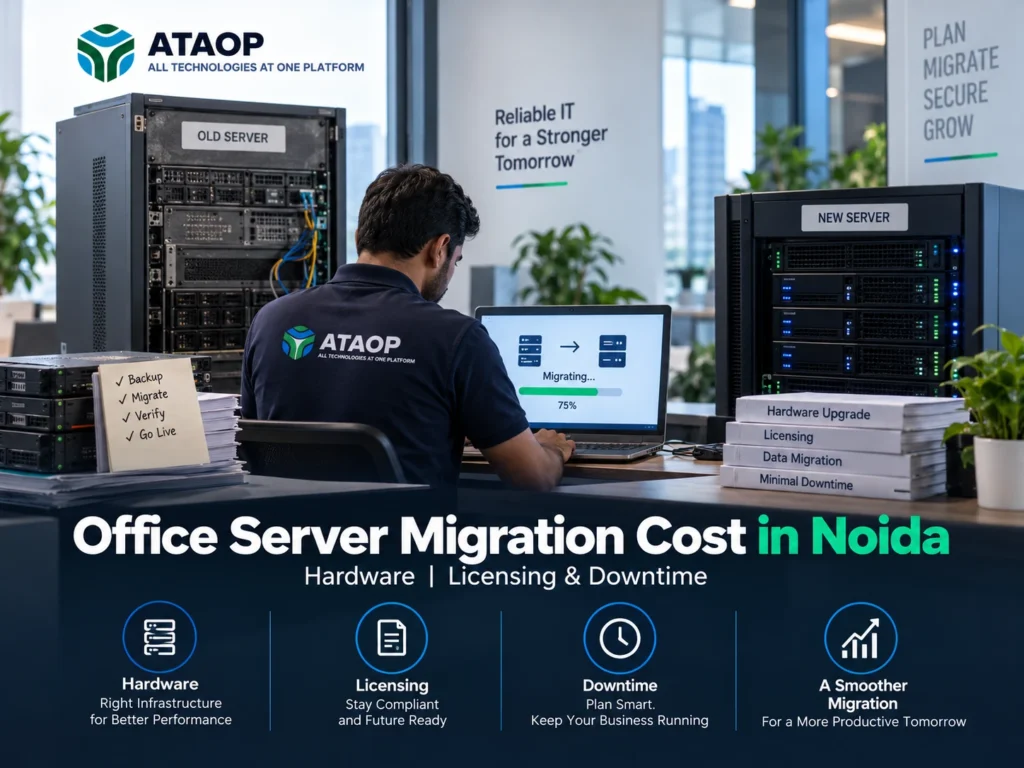
As businesses grow, their server infrastructure must evolve to support increasing workloads, secure data storage and uninterrupted operations. However, migrating an existing office server to a new environment involves more than purchasing hardware or installing an operating system.
One of the most common questions businesses ask is: How much does office server migration cost in Noida?
The answer depends on server specifications, operating system licensing, data volume, application compatibility, migration complexity and potential business downtime.
Whether you’re upgrading an outdated Windows Server, moving from a physical server to a virtual environment or shifting workloads to the cloud, proper planning can help control costs and reduce operational risks.
In this guide, we’ll explore server migration costs in Noida, hardware requirements, Windows Server licensing, downtime considerations and a practical migration checklist for small and medium-sized businesses.
How Much Does Office Server Migration Cost in Noida?
The estimated professional service cost for office server migration in Noida can range from ₹10,000 to ₹1,00,000 or more, depending on the complexity of the project.
Basic file server migrations generally require less effort than projects involving Active Directory, ERP applications, databases or multiple virtual machines.
Estimated Server Migration Cost in Noida
| Migration Type | Estimated Service Cost |
| Basic file server migration | ₹10,000–₹25,000 |
| Windows Server OS migration | ₹15,000–₹40,000 |
| Active Directory migration | ₹20,000–₹50,000 |
| Physical-to-virtual server migration | ₹20,000–₹60,000 |
| ERP or database server migration | ₹30,000–₹80,000 |
| Multiple server infrastructure migration | ₹50,000–₹1,00,000+ |
Note: These are illustrative budgeting estimates, not verified market quotations or official ATAOP pricing. Hardware, software licensing, taxes, backup infrastructure and other project expenses may be additional.
For accurate budgeting, businesses should request a technical assessment and an itemized migration quotation.
1. What Is Office Server Migration?
Office server migration is the process of transferring server applications, data, configurations or services from an existing infrastructure to a new environment.
Businesses typically migrate servers when their current hardware becomes outdated, operating system support is approaching its end or application requirements change.
Common migration scenarios include:
- Windows Server 2016 to Windows Server 2022 or 2025
- Old physical server to new physical hardware
- Physical server to virtual machine
- On-premises server to cloud infrastructure
- File server and shared folder migration
- Active Directory and domain controller replacement
- ERP, CRM and database server migration
The goal is to move critical workloads while maintaining data integrity, security and business continuity.
2. Server Hardware Cost During Migration
Hardware replacement can represent a significant portion of the total office server upgrade cost.
A new server should be selected based on application requirements, storage capacity, user count and future business growth.
Processor and RAM
Businesses running file-sharing services may require fewer resources than organizations operating databases or multiple virtual machines.
For example, a small file server may operate with 16–32 GB RAM, while application servers and virtualization hosts may require 64 GB, 128 GB or more.
Actual requirements depend on workload measurements and vendor recommendations.
Storage Requirements
Storage selection affects server performance, reliability and cost.
Enterprise SSDs may be suitable for frequently accessed databases and applications, while HDD-based storage may be appropriate for certain capacity-focused workloads.
RAID configurations can provide disk redundancy, but businesses must maintain separate backups.
Estimated Hardware Budget
| Server Hardware Category | Illustrative Cost |
| Entry-level tower server | ₹70,000–₹1,50,000 |
| Mid-range business server | ₹1,50,000–₹3,00,000 |
| Enterprise rack server | ₹3,00,000–₹7,00,000+ |
| Additional storage and RAM | Depends on specifications |
These figures are planning estimates rather than current vendor prices. The final cost depends on hardware configuration, warranty, availability and taxes.
3. Windows Server Licensing Cost in India
Operating system licensing is another important factor when calculating Windows Server migration cost in Noida.
Businesses upgrading to Windows Server 2022 or Windows Server 2025 must review licensing requirements before deployment.
Windows Server Standard vs Datacenter
Windows Server Standard is commonly considered for environments with limited virtualization requirements.
Windows Server Datacenter is designed for organizations requiring extensive virtualization rights and advanced infrastructure capabilities.
Licensing generally depends on physical processor cores, with applicable minimums and additional Client Access License requirements.
Businesses may also need Remote Desktop Services CALs if employees use qualifying Remote Desktop Services functionality.
What Should Businesses Verify?
Before purchasing licenses, confirm:
- Required Windows Server edition
- Physical core count
- Number of users or devices requiring CALs
- Virtual machine licensing rights
- Remote Desktop licensing requirements
- Existing license entitlements
- Application and database licensing
Licensing costs should be obtained from an authorized reseller based on the actual server configuration.
4. How Much Downtime Is Required for Server Migration?
Downtime is one of the biggest concerns for businesses planning a server upgrade.
A poorly planned migration can interrupt access to shared files, ERP software, accounting systems, databases and other business applications.
Estimated Migration Downtime
| Migration Scenario | Illustrative Service Interruption |
| Basic file server cutover | 1–4 hours |
| Windows application server migration | 2–8 hours |
| Active Directory migration | Depends on deployment and cutover design |
| ERP or database migration | 4–12 hours or more |
| Multiple-server migration | May require phased maintenance windows |
These are illustrative planning scenarios, not guaranteed downtime estimates. Actual interruption depends on data volume, application dependencies, testing and migration architecture.
How Can Businesses Reduce Downtime?
A properly designed migration plan can help minimize operational disruption.
Important measures include:
- Schedule migration outside peak business hours.
- Create and verify complete backups.
- Test applications before production cutover.
- Prepare the new server environment in advance.
- Use suitable data synchronization methods.
- Document DNS, IP and network changes.
- Prepare a rollback plan.
For critical applications, businesses should define acceptable downtime and recovery objectives before beginning the migration.
5. Physical Server vs Virtual Server Migration
Businesses replacing older infrastructure often consider virtualization.
A physical-to-virtual server migration (P2V) moves a compatible workload from physical hardware into a virtual machine.
Platforms such as Hyper-V, VMware and Proxmox may be evaluated depending on technical and licensing requirements.
Benefits of Server Virtualization
Virtualization can help organizations:
- Consolidate compatible workloads.
- Improve hardware utilization.
- Simplify virtual machine provisioning.
- Reduce dependence on individual physical servers.
- Support flexible infrastructure management.
However, virtualization also requires appropriate backup, storage, security and monitoring.
A virtual machine running an unsupported operating system remains subject to that operating system’s security and support limitations.
6. Cloud Server Migration Cost for Businesses
Some organizations prefer moving applications and data from office servers to cloud infrastructure.
Cloud migration may be suitable for businesses requiring remote access, scalable computing resources or reduced dependence on onsite hardware.
However, cloud infrastructure introduces recurring expenses.
Major Cloud Migration Cost Factors
Compute resources: Virtual CPU, RAM and operating system requirements.
Storage: Capacity, performance tier, redundancy and backup retention.
Data transfer: Network connectivity and applicable cloud transfer charges.
Security: Identity management, firewall policies and monitoring.
Licensing: Operating system, database and application entitlements.
Technical support: Migration engineering and ongoing cloud administration.
Businesses should compare the total cost of ownership over several years rather than evaluating only the initial migration charge.
7. Common Server Migration Challenges
Application Compatibility
Older ERP, accounting and database applications may not support newer operating systems.
Compatibility should be confirmed with the software vendor before migration.
Active Directory and DNS Issues
Improperly planned domain controller migrations can affect employee authentication, Group Policy and network services.
New domain controllers should be deployed and validated before older ones are decommissioned.
Data Transfer Problems
Large datasets, restricted permissions and inconsistent file structures can complicate migration.
Businesses should verify file integrity, access permissions and application functionality after transferring data.
Backup and Recovery Failures
A backup is useful only when the required information can be restored.
Recovery testing should be completed before production changes.
8. Office Server Migration Checklist
Use this checklist before starting a server migration project.
Pre-Migration Assessment
Identify existing server hardware and operating systems.
Document applications and dependencies.
Check storage, CPU and RAM requirements.
Review user access and security permissions.
Verify application compatibility.
Confirm software licensing requirements.
Backup and Migration Preparation
Create complete backups.
Test data restoration.
Prepare the destination server.
Configure networking and security.
Test applications in a controlled environment.
Schedule a maintenance window.
Prepare a rollback strategy.
Post-Migration Verification
Verify application functionality.
Test shared folders and permissions.
Check Active Directory and DNS.
Confirm database connectivity.
Validate backup jobs.
Monitor performance and event logs.
Document the new environment.
9. How to Choose a Server Migration Company in Noida
Choosing the right service provider can help reduce migration risks.
Before selecting a server migration company in Noida, evaluate its experience with Windows Server, Active Directory, virtualization, business applications and backup systems.
Ask whether the provider offers:
- Infrastructure assessment
- Migration planning and documentation
- Application compatibility verification
- Backup and recovery preparation
- Downtime planning
- Post-migration technical support
- Server AMC and maintenance
A professional quotation should clearly define the scope of work, responsibilities, exclusions and support commitments.
10. Server Migration Services in Noida with ATAOP
Businesses planning server upgrades or infrastructure modernization can consider ATAOP (OPC) Private Limited, an IT support company serving Noida, Greater Noida and Delhi NCR.
ATAOP provides server installation, Windows Server support, virtualization, networking, backup solutions and managed IT services.
Whether an organization is replacing outdated server hardware, planning Windows Server migration or moving suitable workloads to virtual infrastructure, ATAOP can assist with infrastructure assessment, migration planning and technical support.
The objective is to help businesses implement secure, reliable and manageable IT infrastructure based on their operational requirements.
For more information, visit https://ataop.com/.
Frequently Asked Questions
How much does server migration cost in Noida?
Basic server migration services may have an illustrative budget of ₹10,000–₹25,000, while complex application, database or multi-server projects may exceed ₹1,00,000. Actual quotations depend on project scope.
Can I migrate Windows Server 2016 to Windows Server 2025?
Yes, supported migration and upgrade options exist for eligible environments. The correct method depends on server roles, application compatibility and Microsoft’s supported upgrade paths.
How long does office server migration take?
A small migration may be completed within a planned maintenance window, while complex projects may require several days of preparation, testing and phased deployment.
Can server migration be completed without downtime?
Some workloads can be migrated with minimal interruption using suitable replication or high-availability methods. However, zero downtime should not be assumed without evaluating the application and infrastructure.
Is cloud migration cheaper than physical server migration?
Not always. Cloud services may reduce certain upfront hardware expenses but introduce recurring compute, storage, licensing and support costs.
Does ATAOP provide server migration services in Noida?
ATAOP provides server infrastructure and IT support solutions, including migration-related planning and technical assistance, subject to project requirements.
Conclusion
Understanding office server migration cost in Noida requires evaluating more than the installation or data-transfer charges.
Hardware specifications, Windows Server licensing, application compatibility, backup infrastructure, technical complexity and potential downtime all influence the total investment.
Businesses should begin with a detailed infrastructure assessment, verify backups, choose an appropriate migration method and test critical applications before production deployment.
A carefully planned server migration can help organizations modernize infrastructure while reducing avoidable operational disruption.
For businesses in Noida, Greater Noida and Delhi NCR, ATAOP (OPC) Private Limited offers server infrastructure and managed IT support services to assist with technology modernization.
A successful server migration is not simply about moving data. It’s about ensuring your business applications, security and operations remain reliable after the transition.