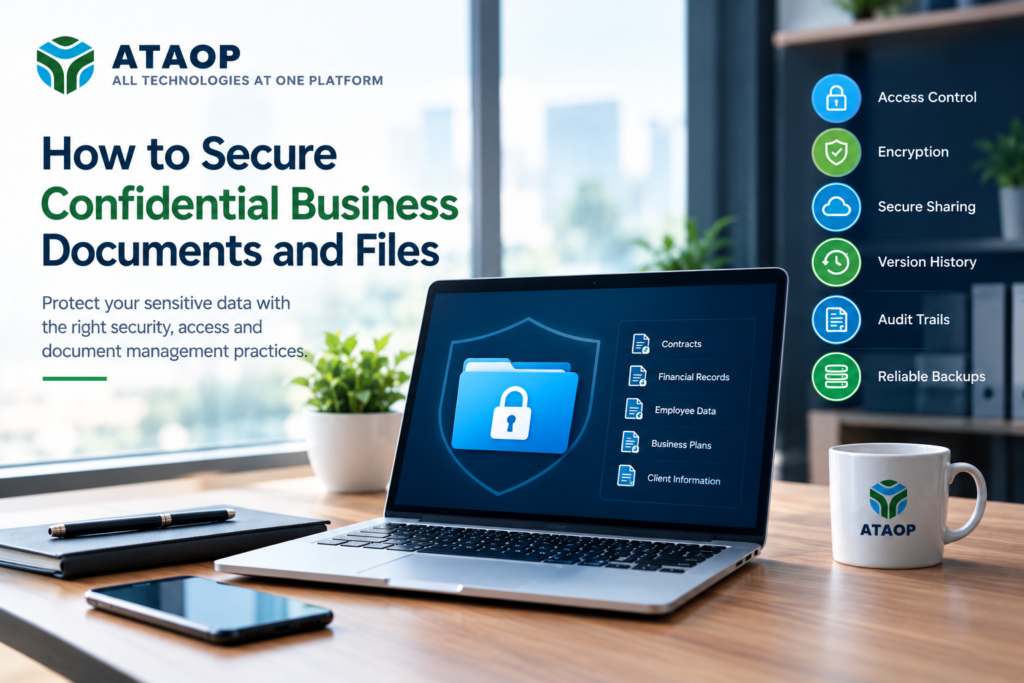
Confidential business documents contain some of an organization’s most valuable information. Contracts, financial records, employee information, customer data, intellectual property, business proposals, invoices, legal documents, and internal reports can all create significant risks if they are accessed, modified, copied, or shared without authorization.
As businesses move away from scattered local folders, USB drives, email attachments, and unmanaged file-sharing systems, secure document storage and controlled file access have become important parts of modern IT infrastructure. NIST recommends protecting sensitive information through measures such as appropriate access controls, authentication, encryption, and regular backups.
So, how can a business securely manage confidential files without making everyday collaboration difficult?
The answer is not a single security product. A practical approach combines access control, secure storage, encryption, backups, document versioning, monitoring, employee awareness, and well-defined policies.
What Counts as a Confidential Business Document?
Before securing documents, businesses need to understand what information actually requires protection.
Common examples include:
- Customer and employee information
- Financial statements and accounting records
- Contracts and agreements
- Legal documents
- Business proposals
- Pricing and quotation documents
- HR records
- Payroll information
- Intellectual property
- Product and design information
- Internal reports
- Vendor and partner information
- Strategic business plans
- Passwords and sensitive credentials
Not every file needs the same level of protection. A public marketing brochure, for example, does not require the same controls as an employee salary document.
A useful starting point is to identify sensitive information, determine who needs access to it, and understand where that information is currently stored. CISA similarly recommends knowing what sensitive information an organization stores and who can access it.
1. Centralize Business Documents
One of the easiest ways to lose control of confidential information is to keep documents scattered across personal computers, email inboxes, USB drives, messaging applications, and unrelated cloud folders.
A centralized document repository gives the organization a defined location for business files.
Instead of:
Laptop → Email → USB → Personal Drive → Shared Folder
you can establish a controlled environment such as:
Central Document Repository → Authorized Users → Controlled Access → Audit History → Backup
Centralization can make documents easier to find while also making access policies, backup procedures, and administrative controls easier to manage.
For organizations handling sensitive files, a private cloud document management system can provide a more structured environment for storing and managing business documents.
2. Use Role-Based Access Control
Not every employee should have access to every document.
For example:
- HR employees may need access to employee records.
- Finance teams may need accounting documents.
- Sales teams may need quotations and customer files.
- Management may require access to strategic reports.
- External vendors may need access to only specific shared files.
This is where role-based access control becomes important.
Create permissions around job responsibilities rather than giving everyone access to the entire document repository.
NIST recommends giving users access to the information, systems, and applications they actually need for their jobs.
A practical permission structure could look like:
Management → Full/approved access
Finance → Financial documents
HR → Employee documents
Sales → Customer and sales documents
External users → Specific shared documents only
This approach reduces unnecessary exposure and makes access management easier.
3. Protect Files During Storage and Transmission
Confidential information needs protection both when it is stored and when it is transmitted.
Encryption can help protect information if unauthorized parties gain access to the underlying storage or intercept protected communications. NIST recommends protecting sensitive data through encryption while it is stored and transmitted.
For businesses, this means considering:
- Encryption at rest
- Encryption in transit
- Secure HTTPS/SSL access
- Secure file transfer
- Protected backup storage
- Secure remote access
Encryption is not a replacement for access control, however. A secure document environment generally needs multiple layers of protection.
4. Avoid Sending Sensitive Documents Through Ordinary Email
Email remains useful for business communication, but sending confidential files as ordinary attachments can make document control difficult.
Once an attachment is sent, the organization may have limited visibility into:
- Who downloaded it
- Where it was stored
- Whether it was forwarded
- Whether the recipient still has access
- Whether an outdated version is being used
NIST specifically highlights the security considerations involved in exchanging files over the internet, including through email attachments and file-sharing services.
For sensitive information, businesses can instead use controlled file sharing where permissions, expiration, authentication, and access history can be managed.
5. Use Expiring and Controlled Sharing Links
Sometimes external sharing is necessary.
A company may need to send documents to:
- Clients
- Auditors
- Consultants
- Legal advisors
- Vendors
- Partners
The solution isn’t necessarily to stop sharing files. Instead, make sharing more controlled.
Useful controls can include:
- Password-protected sharing
- Expiring links
- Specific recipient access
- Read-only permissions
- Download restrictions where supported
- Access logging
- Revocation of access
ATAOP’s Private Cloud Document Vault supports controlled sharing with permissions and expiry planning, allowing organizations to design external document access around their requirements.
6. Maintain Document Version History
Imagine your finance team has five versions of the same quotation stored in different folders.
Which one is the latest?
Document version control helps solve this problem.
A document management environment can maintain:
Proposal_v1 → Proposal_v2 → Proposal_v3 → Approved Version
Version history can help organizations understand what changed and restore an earlier version when necessary.
It is especially useful for:
- Contracts
- Proposals
- Policies
- Technical documents
- Financial files
- Project documents
- Approval-based workflows
ATAOP’s Private Cloud Document Vault includes version history and restore-point capabilities as part of its document-control approach.
7. Keep an Audit Trail
For confidential information, knowing who accessed or changed a document can be valuable.
An audit trail can help organizations track activities such as:
- Document access
- File modifications
- Uploads
- Downloads
- Sharing activity
- Permission changes
- Approval actions
This provides greater visibility than simply keeping files in an ordinary shared folder.
It can also support internal accountability and help organizations investigate unusual activity.
ATAOP includes audit-trail setup and activity tracking within its private cloud document vault solutions.
8. Protect Your Documents With Reliable Backups
Security protects documents from unauthorized access, but backup protects against another major problem: data loss.
Files can disappear because of:
- Hardware failure
- Accidental deletion
- Malware
- Ransomware
- Human error
- Software problems
- Storage failure
A good document protection strategy should therefore include regular backups and a tested recovery process.
NIST’s storage security guidance recommends establishing a data protection plan that considers backup frequency, retention, copies, media, encryption, and recovery requirements.
Remember:
RAID is not a backup.
File synchronization is not necessarily a backup.
A second copy is not automatically a recovery strategy.
Businesses should define how frequently data is backed up and how quickly important documents need to be restored.
9. Secure User Accounts
Even an excellent document repository can be compromised through poorly protected user accounts.
Businesses should consider:
- Unique user accounts
- Strong passwords
- Multi-factor authentication where supported
- Role-based permissions
- Regular access reviews
- Immediate removal of former employees
- Restricted administrator privileges
NIST recommends unique accounts and authentication before users are granted access to protected information.
Employee access should also be reviewed periodically. Someone who changed departments may no longer need access to the same folders.
10. Create a Document Security Policy
Technology works better when employees understand how it should be used.
A document security policy can define:
- Where confidential files should be stored
- Who can access different categories of information
- How external sharing should work
- How long documents should be retained
- How old information should be deleted
- How employees should report suspicious activity
- How backups and recovery are handled
This turns document security from an IT-only responsibility into an organization-wide process.
11. Consider a Private Cloud Document Vault
For businesses that need more control over confidential documents, a private cloud document vault can provide a centralized environment for storage, sharing, permissions, workflows, versioning, and auditing.
ATAOP provides private cloud and on-premise document vault solutions designed for organizations that need controlled document management. Its service can include centralized file repositories, folder and role permissions, version history, controlled sharing, approval workflows, activity tracking, backup, SSL, secure access, migration, and user training.
The solution can be deployed on an organization’s own server, private cloud, or a suitable hosted environment, depending on requirements.
This can be particularly useful for businesses that want to move away from scattered folders and unmanaged file sharing while maintaining greater control over their documents.
Why Secure Document Management Matters
Confidential information can have financial, operational, legal, and reputational consequences when improperly exposed. NIST notes that data confidentiality incidents can have monetary, reputational, and other organizational impacts.
The objective, therefore, isn’t simply to “lock down” every file.
Good document security should allow employees to access the information they need while limiting unnecessary access.
That means balancing:
Security + Accessibility + Collaboration + Control + Recovery
ATAOP’s Approach to Secure Business Documents
Managing confidential business documents requires more than simply storing files in folders or sharing them through email. ATAOP helps businesses create a secure, organized, and easy-to-manage document environment where important files can be stored, accessed, shared, and managed with greater control.
With ATAOP’s Private Cloud Document Vault, businesses can build a document management system around their specific requirements. The solution can include secure document storage, user permissions, controlled file sharing, document version history, approval workflows, audit trails, backups, and secure access.
ATAOP can support the complete implementation process, including:
- Understanding your document management requirements
- Planning the right infrastructure
- Deploying and configuring the solution
- Setting up users and access permissions
- Migrating existing business documents
- Testing security and functionality
- Providing user training and documentation
- Offering ongoing technical support
.